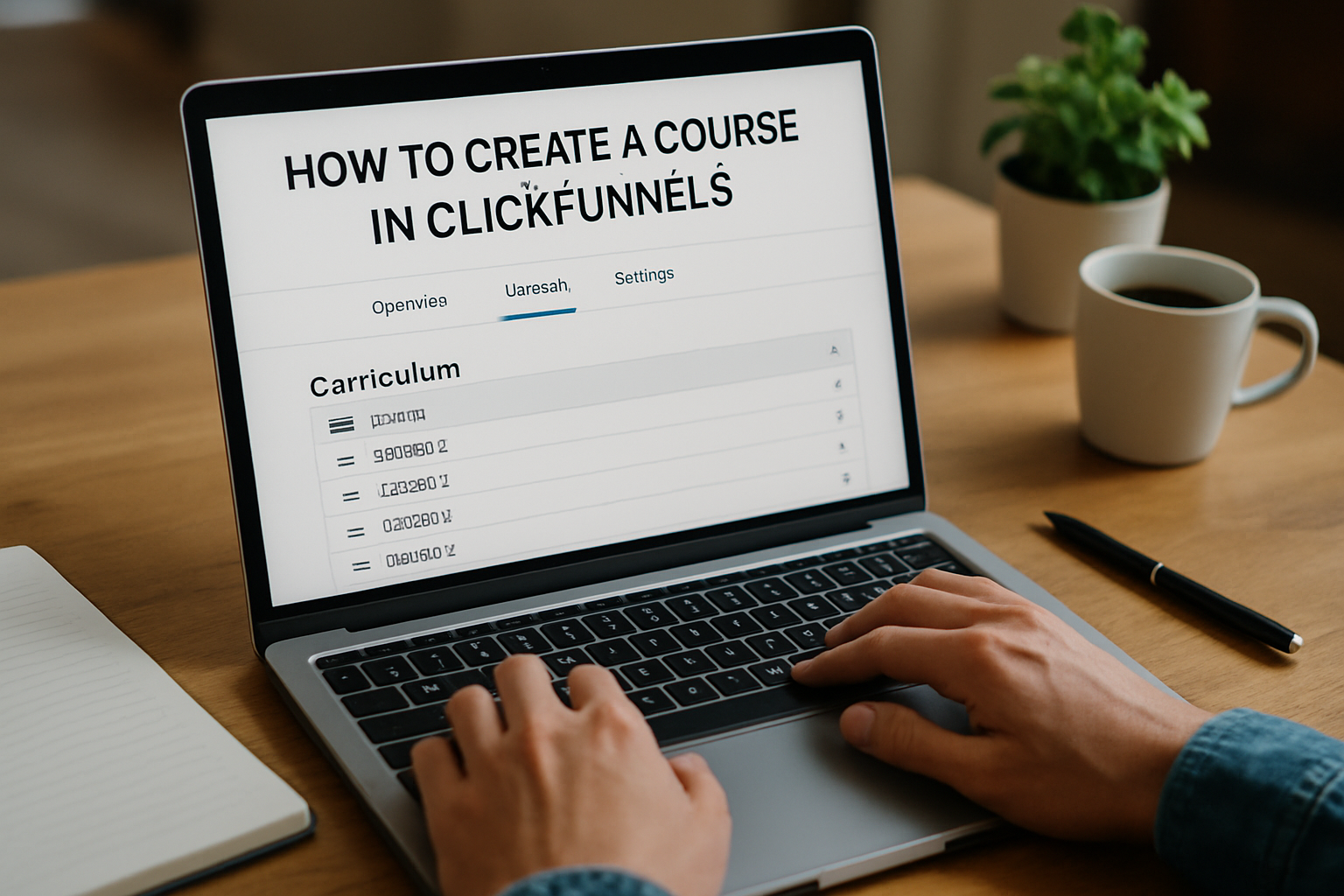
How to Create a Course in ClickFunnels: Step-by-Step Guide
How to Create a Course in ClickFunnels: A Complete Guide
Are you looking to turn your expertise into a profitable online course? With the rise of digital education, learning how to create a course in ClickFunnels has never been more relevant. ClickFunnels is a powerful platform that simplifies the process of course creation, allowing you to focus on content rather than technical complexities. In this article, we’ll delve into the essential steps and best practices for creating an engaging and successful course using ClickFunnels. Whether you’re a seasoned educator or a first-time creator, this guide will provide you with the knowledge and tools you need to launch your course with confidence.
Understanding the Basics of Course Creation in Clickfunnels
Creating a course in Clickfunnels begins with understanding its platform features designed for online education. Clickfunnels allows course creators to build sales funnels that convert leads into customers effectively. Familiarize yourself with its page builder, which provides customizable templates for creating engaging course content. Additionally, learn about the membership site functionality, enabling you to restrict access to course materials for paid users. This foundational knowledge sets the stage for a successful course launch.
Key Features of Clickfunnels for Course Creators
Clickfunnels offers a variety of features that streamline course creation. The drag-and-drop page builder simplifies the design process, allowing for the creation of landing pages, sales pages, and membership areas without technical skills. Furthermore, its automation tools can manage email sequences and follow-ups, ensuring potential students are nurtured through the sales funnel.
Defining Your Course Structure
Before diving into Clickfunnels, outline your course structure. Identify the key modules and lessons you want to include. A well-defined structure helps in organizing content logically, making it easier for students to follow. Additionally, consider incorporating assessments and quizzes to enhance engagement and measure learning outcomes.
Key Points:
- Familiarize yourself with Clickfunnels features for effective course creation.
- Outline a clear course structure to enhance student experience.
💡 Utilize Clickfunnels’ templates to save time and maintain consistency in design.
💡 Plan your course structure thoroughly to improve student engagement and learning outcomes.
Setting Up Your Course in Clickfunnels
Once you have a solid understanding of the platform and your course outline, it’s time to set up your course in Clickfunnels. Start by creating a new funnel specifically for your course. Choose the appropriate funnel type based on your course delivery method, whether it’s a webinar, membership site, or direct sales page. This step is crucial to ensure that your funnel aligns with your course objectives and target audience.
Creating the Funnel
To create a funnel, navigate to the Clickfunnels dashboard and select ‘Create Funnel.’ Choose a template that suits your course format, then customize each page to reflect your branding and course details. Ensure that the sales page is compelling, as it plays a critical role in converting visitors into students.
Adding Content and Configuring Access
After setting up the funnel, it’s time to add your course content. Upload videos, PDFs, and other resources directly to the membership area. Configure access settings to restrict content based on purchase status, ensuring that only paying customers can view the materials. This step enhances the perceived value of your course and protects your content.
Key Points:
- Create a dedicated funnel for your course to streamline the setup process.
- Configure access settings carefully to protect your course materials.
💡 Choose a funnel template that matches the course delivery method for better user experience.
💡 Regularly update content to keep your course relevant and engaging for new students.
Setting Up Your Course Framework
Creating a course in ClickFunnels begins with establishing a solid framework. Start by defining your course’s objectives, target audience, and key modules. This foundational step will guide your content creation and ensure your course is relevant and engaging. Utilize the ClickFunnels funnel builder to create a dedicated sales funnel specifically for your course. This allows you to map out the customer journey from landing page to checkout, optimizing each step for conversions.
Defining Course Objectives
Clearly outline what you want your students to achieve by the end of your course. Use the SMART criteria: Specific, Measurable, Achievable, Relevant, and Time-bound. This clarity will help you create focused content that resonates with your audience and enhances learning outcomes.
Identifying Your Target Audience
Understanding who your course is for is crucial in tailoring content and marketing strategies. Create buyer personas that detail demographics, pain points, and learning preferences. This knowledge will inform your course design and ensure it meets the needs of your audience.
Utilizing ClickFunnels for Course Structure
Leverage ClickFunnels’ drag-and-drop features to create a user-friendly course layout. Organize your modules into cohesive sections and utilize member areas for content delivery. This structure enhances the learning experience by providing a clear path for students to follow.
Key Points:
- Establish clear objectives to guide your course creation.
- Define your target audience to tailor content effectively.
💡 Invest time in market research to validate your course idea and ensure it meets a genuine need.
Launching and Marketing Your Course
Once your course is structured, the next step is launching and marketing it effectively. Use ClickFunnels to create high-converting landing pages and sales pages that articulate the value of your course. Implement email marketing campaigns to nurture leads and convert them into students. Testing different marketing strategies, such as webinars or free trials, can help optimize your outreach efforts and increase enrollments.
Creating High-Converting Landing Pages
Design landing pages that highlight your course’s benefits, using compelling headlines, testimonials, and clear calls-to-action. Incorporate elements like scarcity tactics or bonuses to encourage immediate sign-ups. A/B testing different versions can provide insights into what resonates best with your audience.
Implementing Email Marketing Campaigns
Develop an email sequence that educates leads about your course and builds anticipation. Include value-driven content, such as tips or case studies, to establish authority and trust. Use automated workflows to nurture leads and guide them towards enrollment.
Testing and Optimizing Marketing Strategies
Monitor your marketing efforts to identify what works and what doesn’t. Use ClickFunnels’ analytics to track conversion rates and user engagement. Regularly test different approaches, such as social media ads or influencer partnerships, to see which drives the most traffic and sign-ups.
Key Points:
- Effective marketing strategies are crucial for course enrollment.
- A/B testing can optimize your landing pages for better conversions.
💡 Use testimonials and success stories to build trust and credibility for your course.
EXPERT TIPS Pro Advice
Focus on creating a strong value proposition.
A compelling value proposition differentiates your course from competitors and highlights the benefits students will gain, making it easier to attract and convert leads.
Leverage social proof.
Incorporating testimonials and reviews increases credibility and can significantly influence potential customers’ decisions to enroll in your course.
Consider offering a free mini-course.
A free mini-course allows potential students to experience your teaching style and the course content, increasing the likelihood of them enrolling in the full course.
Engage with your audience on social media.
Building a community around your course on social media can foster engagement and loyalty, making it easier to promote your course effectively.
Regularly update your course materials.
Keeping content current and relevant enhances the learning experience and ensures that students receive the most up-to-date information, increasing satisfaction and referrals.
Frequently Asked Questions
Conclusion
Creating a course in ClickFunnels involves setting up an account, organizing content effectively, and utilizing multimedia elements. Pricing strategies and offering free trials can enhance your appeal. Finally, tracking performance through analytics ensures continuous improvement.
🎯 Key Takeaways:
- Start by setting up your ClickFunnels account and choosing a template.
- Organize course content into modules or lessons for clarity.
- Incorporate multimedia elements to enhance engagement.
- Consider competitive pricing and offer free trials.
- Use analytics tools to monitor course success.
Expert Advice: Stay focused on delivering value to your students. Regularly update your course content and engage with your audience to foster a loyal community and improve overall success.
Start planning your course today by outlining your content and setting up your ClickFunnels account.